
To configure ordering settings, go to “Settings/General” → “Business.” (https://admin.mobirest.business/settings/business-settings)
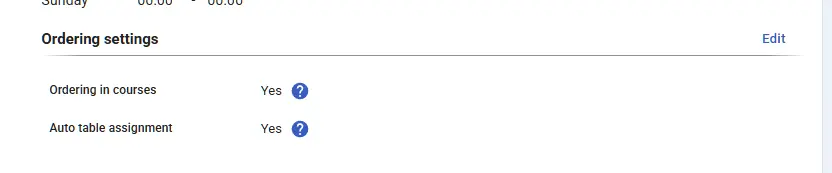
Here, you can configure the following:
- Ordering in courses: Choose whether your orders should be organized into courses. For example, in a traditional restaurant, items may be served in courses like soups, main dishes, desserts, etc. In a fast food, all items are typically served together. If the ordering in courses is enabled, you can define different courses for all your products and modifiers.
- Auto table assignment If the flag is enabled, when a waiter places an order for a table, the table will be automatically assigned to the waiter, then when the order is completed the table will be unassigned from the waiter.