
Account creation #
For using the MobiRest POS system in your business, first you need to register an account. The account registration can be done here: Sign Up.
Business creation #
After successfully registering your account, you have two options, to createa a real business or a demo business. The demo business is a preconfigured restaurant, which can be used to try the system. Note: all the demo businesses are deleted after 4 days, hence they are truly for testing purposies. If you choose the real business option you’ll need to provide key details about your business, such as its name and location.
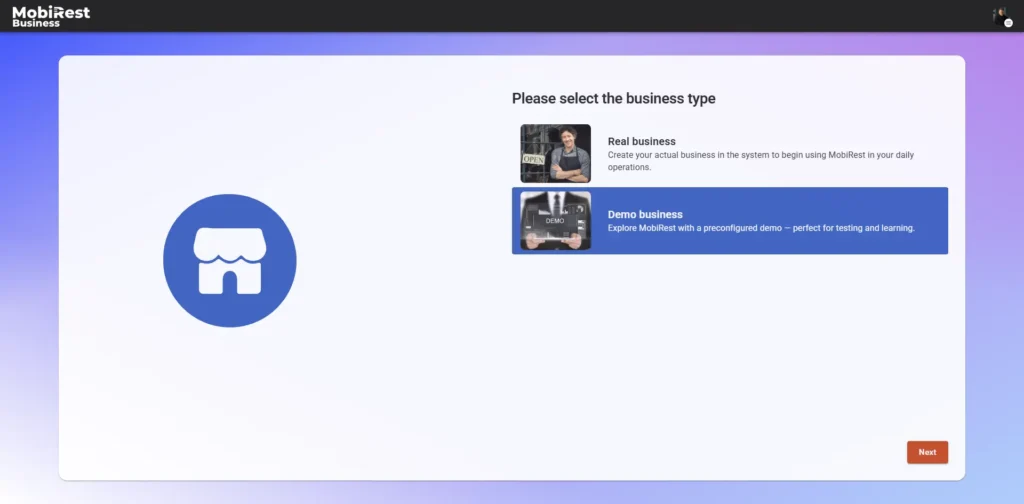
Once you’ve completed the business registration process, you’ll be directed to your business’s home page.
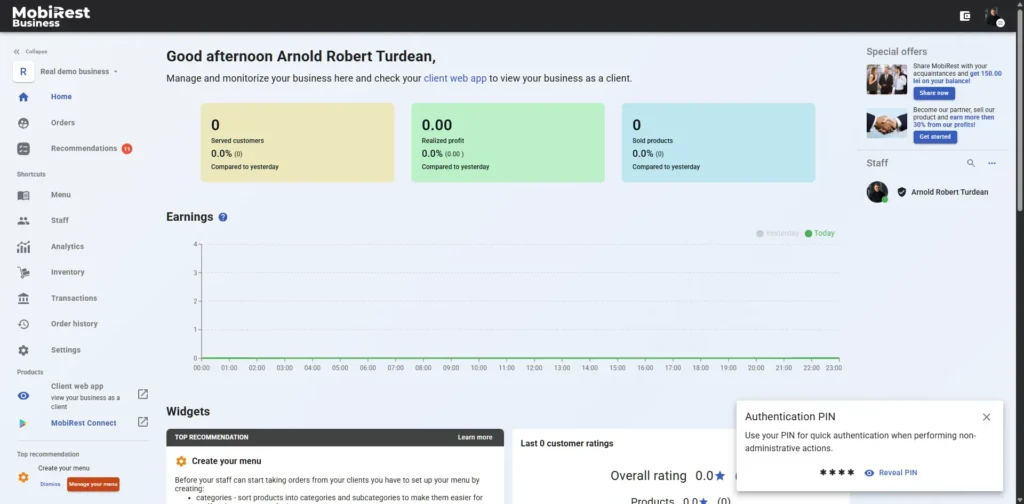
Here you will be able to always see the most important data about your business, like ratings, statistics, employees, etc.
PIN #
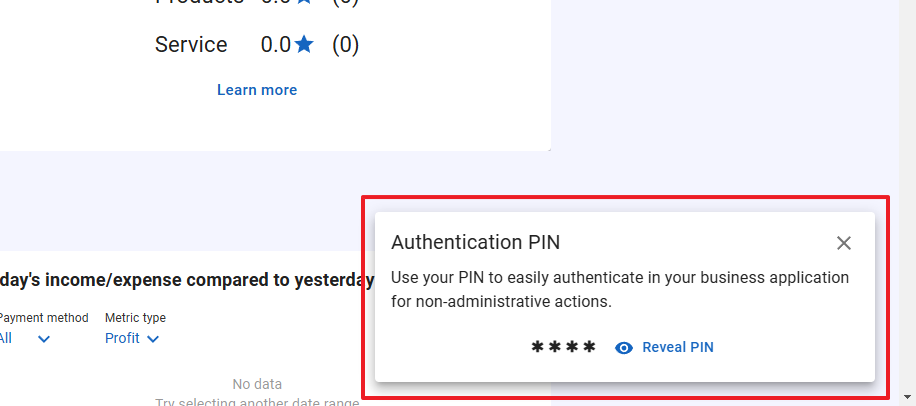
After successfully creating your business, a small dialog will appear on the homepage, allowing you to view your personal PIN. This PIN enables quick authentication to your business. To view it, click the “Reveal PIN” button. Once you close this dialog, it will not appear again.
Business related recommendations #
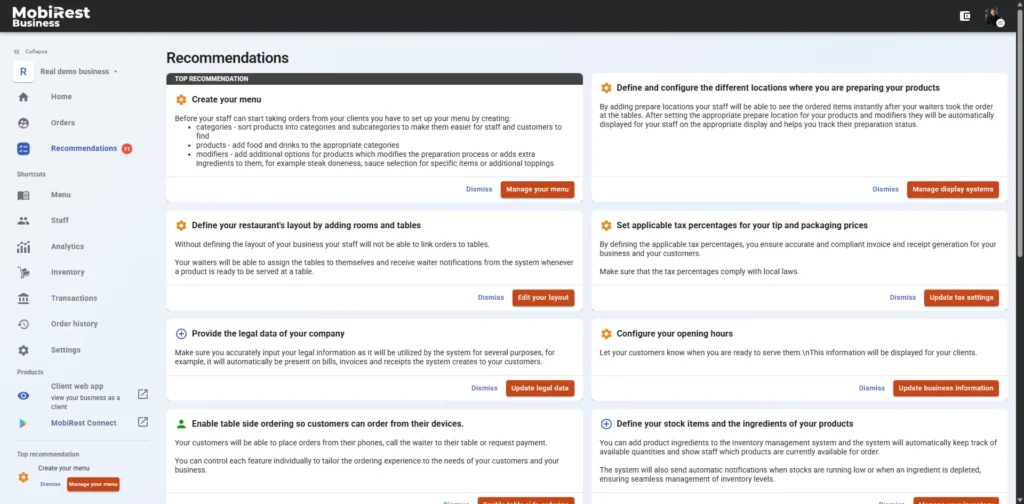
After creating your business, the system assists in configuring it according to your specific needs by displaying personalized recommendations. You can access all recommendations in the “Recommendations” menu, and the most important suggestions will always be visible on the homepage and in the left-side menu.
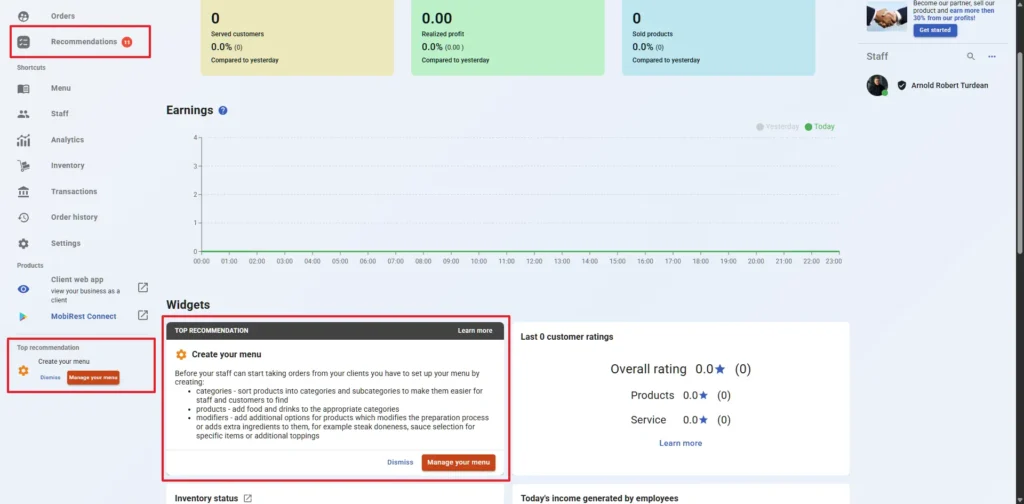
The system lets you permanently remove recommendations by clicking the “Dismiss” button. Once dismissed, the recommendation will no longer appear.
For relevant recommendations, the system also provides a convenient option to navigate directly to the appropriate place to apply them, for instance to configure your opening hours.
Once the system detects that you’ve completed a recommendation, it marks it as done and removes it from the screen. For example, after configuring your opening hours, the “Configure your opening hours” recommendation will disappear.